CEnT-S Online From Home or at a University: Which to Choose
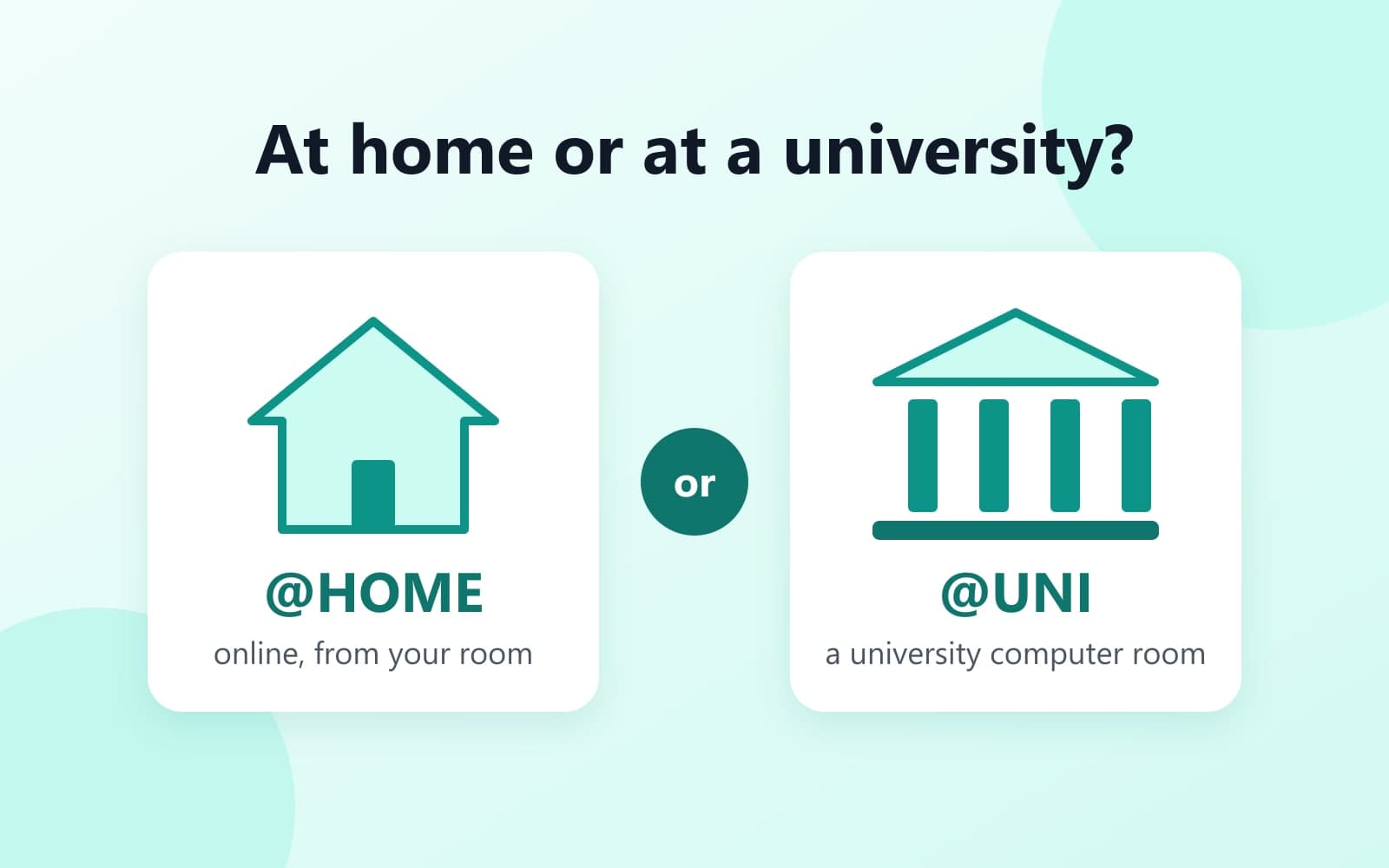
In short. Same test, two places. @HOME means online, from your own room. @UNI means a computer room at an Italian university. Your university's call decides which it accepts.
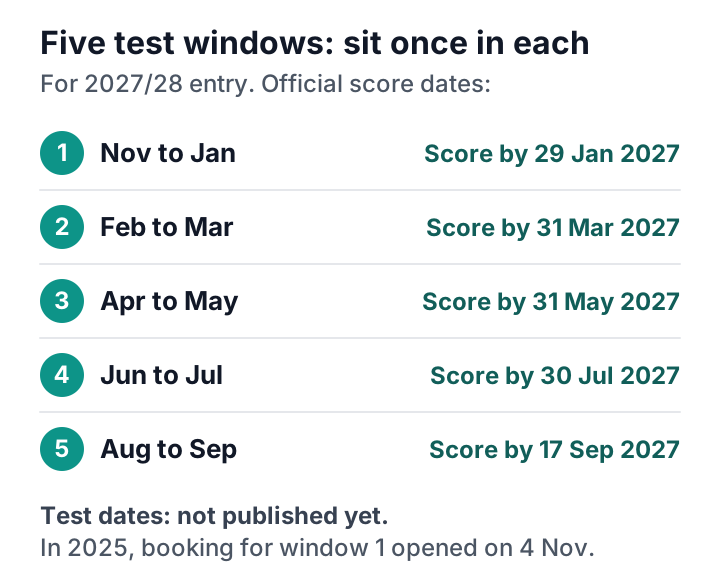
Same test, same clocks, same scoring. You get one sitting per test window, at home or at a university.[1] CISIA calls the test windows macro-periods.
Which should you choose?
- Outside Italy? @HOME saves you the trip, if your university accepts it from you. If it does not, you must sit @UNI in Italy.
- In Italy, near a university that runs the test? @UNI avoids equipment problems. In September 2026, university seats could still be booked when at-home seats for the last two dates were gone.
- EU applicant to a restricted programme at Bologna? In 2026, you needed @UNI, even from abroad. A restricted programme has a fixed number of places. Pharmacy is one.
The two formats side by side
These were the rules in 2026. The 2027 rules are not published yet.
| What | @HOME | @UNI |
|---|---|---|
| Where | Your own room, even abroad | A university computer room |
| Equipment | Your laptop, plus a phone or tablet | Provided by the university |
| Who watches | A university team on Webex | The university's team in the room |
| On your desk | Blank paper and a pen | A pen and the sheets they give you |
| Your ID | Uploaded when you book | Bring it, with your printed booking receipt |
| Extra rules | Stay in your declared country; no VPN | The rules of the room |
| Sittings | One per window | One per window |
Any university that runs the test will do for @UNI. You do not have to sit it where you apply.
Who accepts @HOME
Each university decides in its call. The call (bando in Italian) is its admission notice. In the 2026 calls:[2]
- Bologna, restricted programmes such as Pharmacy: only from non-EU applicants who live abroad. Everyone else needed @UNI. Bologna's own test rooms were in person only.
- Sapienza: from all applicants.[3]
- Trento, non-EU applicants: @UNI or @HOME.[4]
- Polimi: its CEnT-S page set no limit, so home or university.[5]
Your @HOME checklist
These are the 2026 rules.[6]
Before the day
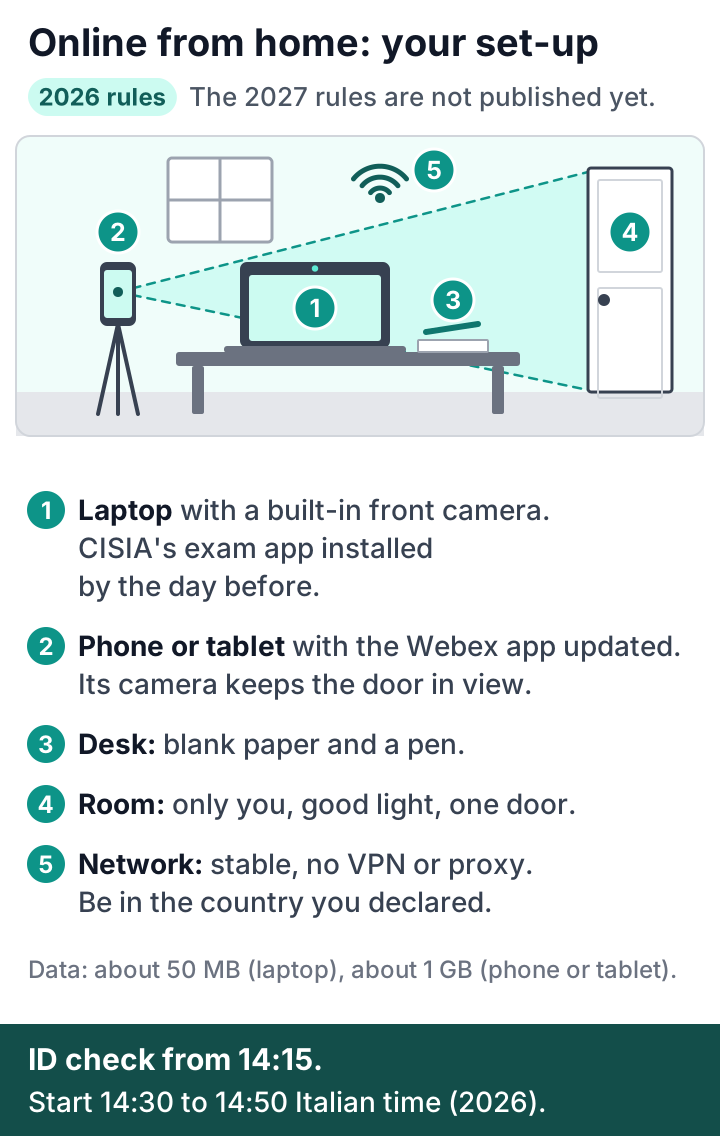
- A laptop with a built-in front camera. The test runs on the laptop.
- Horizon, CISIA's exam app, installed on that laptop by the day before the test. CISIA's guide explains how, and which laptops work.
- A phone or tablet with the Webex app. It is only for the supervised Webex room, not for the test.
- Your ID and a profile photo, uploaded to your CISIA account. In 2026, your booking was confirmed only after the photo and the app.
- One CISIA simulation, as a laptop check. In 2026, CISIA's rules recommended this.
Your room
- A room only you use, with good light and one door.
- The door must stay in view of your phone or tablet camera.
- Blank paper and a pen on the desk.
On the day
- Be in the country you declared when you booked.
- Do not use a VPN or a proxy. These are tools that hide where you are.
- In 2026, the ID check started at 14:15 Italian time.
- You could then start the test between 14:30 and 14:50.[7]
- Italian time is UTC+1 in winter and UTC+2 in summer. By our conversion, the 2026 check-in at 14:15 was 17:45 in India and 17:15 in Pakistan in summer. In winter it was 18:45 in India and 18:15 in Pakistan.
- For 2027/28 entry, the sections add up to 140 minutes. CISIA has not published the 2027 test times yet.
During the test
- A university team watches you on Webex. The session is recorded.
- In 2026 there were no set breaks. The team could allow one break of up to 10 minutes, between sections.
- A rules breach can cancel your test. In 2026 there was no refund, and you had to wait for the next window.[6]
What went wrong for some students in 2026
Students who sat the test at home posted these problems online:
- The Horizon app was out of date on test day.
- They could not join the Webex room, or they were dropped from it.
- Some then asked others whether Wi-Fi or mobile data worked better.
Update the Horizon app the day before. Test your connection in the room you will use.
If you are dropped during the test
This is what CISIA's 2026 rules said.[6] The 2027 rules are not published yet.
- Keep the laptop and the phone or tablet connected for the whole test. If you drop out briefly, the university team decides what happens.
- Report any problem at once, in the chat on your laptop. The chat button had a hand icon, at the top right. If the chat did not work, the team could phone you.
- Report it during the test. Reports made later, or after you submit, were not accepted.
- If the problem could not be fixed and was not your fault, the team could reset your test. You then got a credit to book again without paying. It appeared in your CISIA account the next day. You could use it in the same window or a later one, while seats were left.
- Or CISIA could move you to a recovery date: an extra test date in the same window. CISIA emailed you the new day and time.
- If your laptop or connection did not meet CISIA's technical requirements, there was no credit.
A whole test day can also fail. On 23 April 2026, technical problems at CISIA stopped the test, and students sat it again later. See dates, fee and booking.
Book on the day booking opens
In September 2026, at-home seats for the last two dates were gone by 10 September.[8] University seats could still be booked.
So if you need @HOME, book on the day booking opens for your window. In 2026, booking opened between three weeks and four months before each window's first test. In 2025, booking for the first window opened on 4 November. All the dates are in CEnT-S exam dates, fee and booking.
Our free printable checklist lists the 2026 kit for the home test, the score dates and the fee. Get it by email below, with three guides.
Get the free guides ↓Checked against CISIA on 5 October 2026.
Explore more
Read next
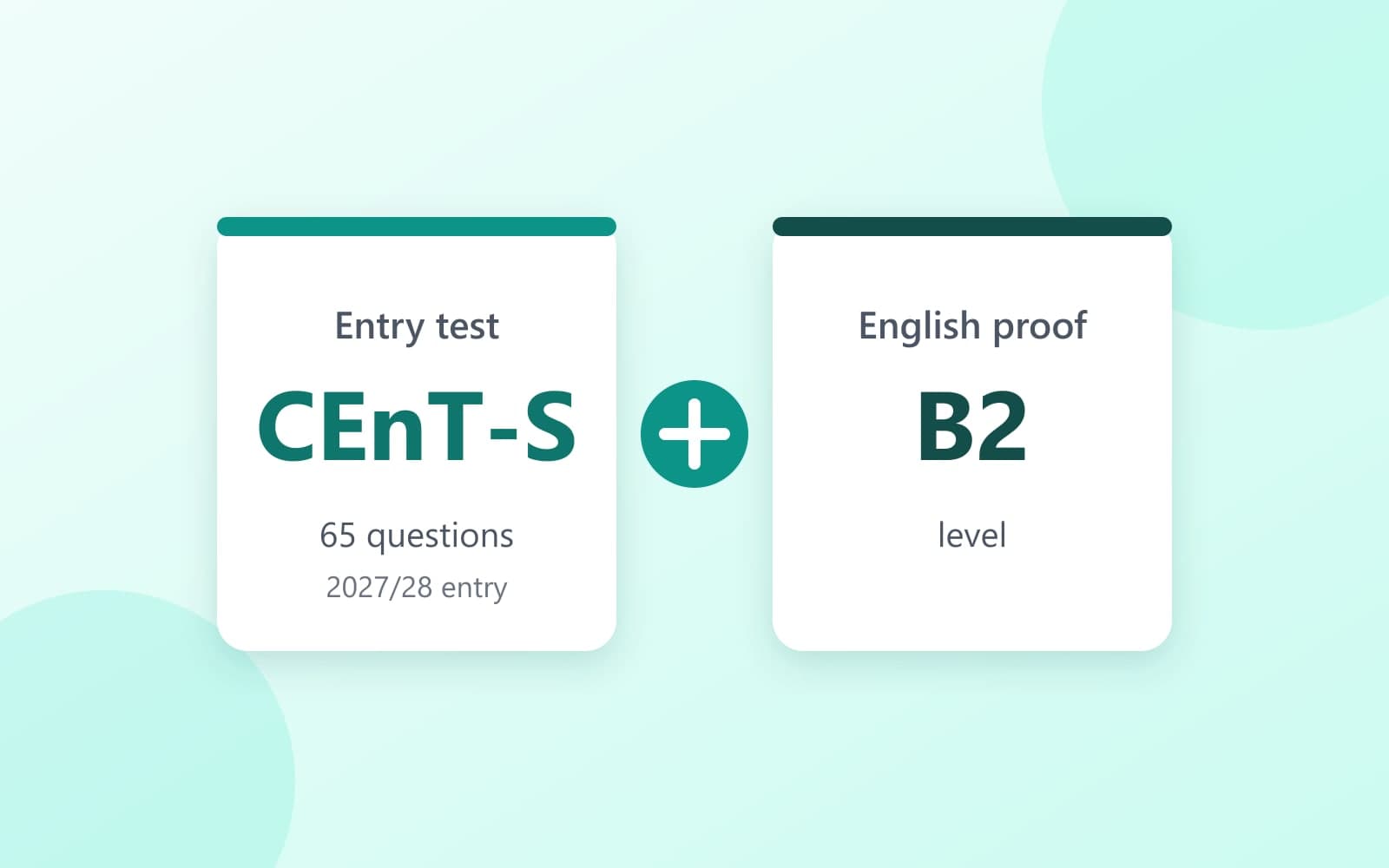
Does the CEnT-S Replace IELTS? No. Here Is What to Book
No. The CEnT-S does not prove your English. Which certificate each university asked for, and when to book.
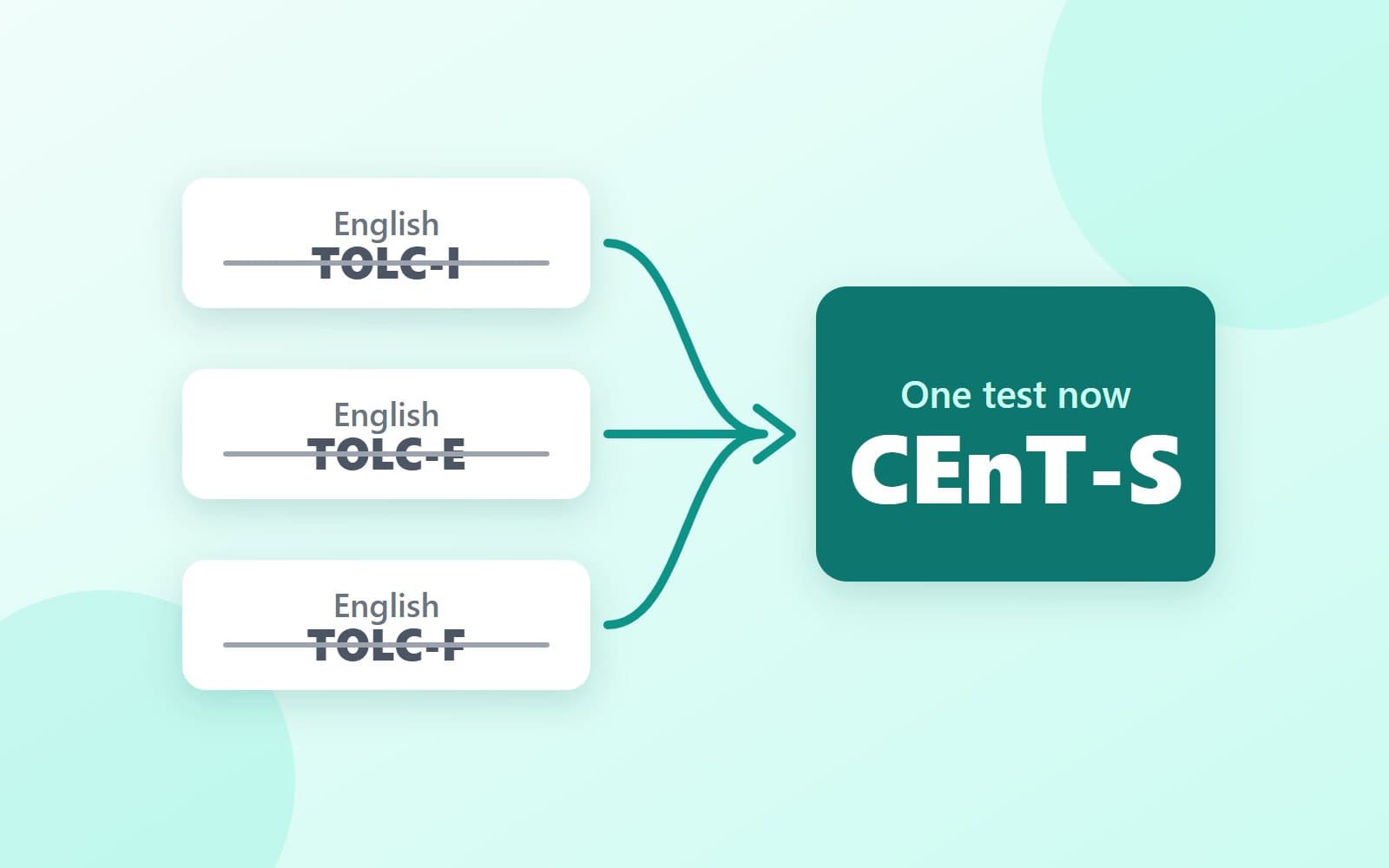
English TOLC-I, TOLC-E and TOLC-F: Replaced by the CEnT-S
The English TOLCs are gone. What replaced them, what changed, and how to reuse an old TOLC book.
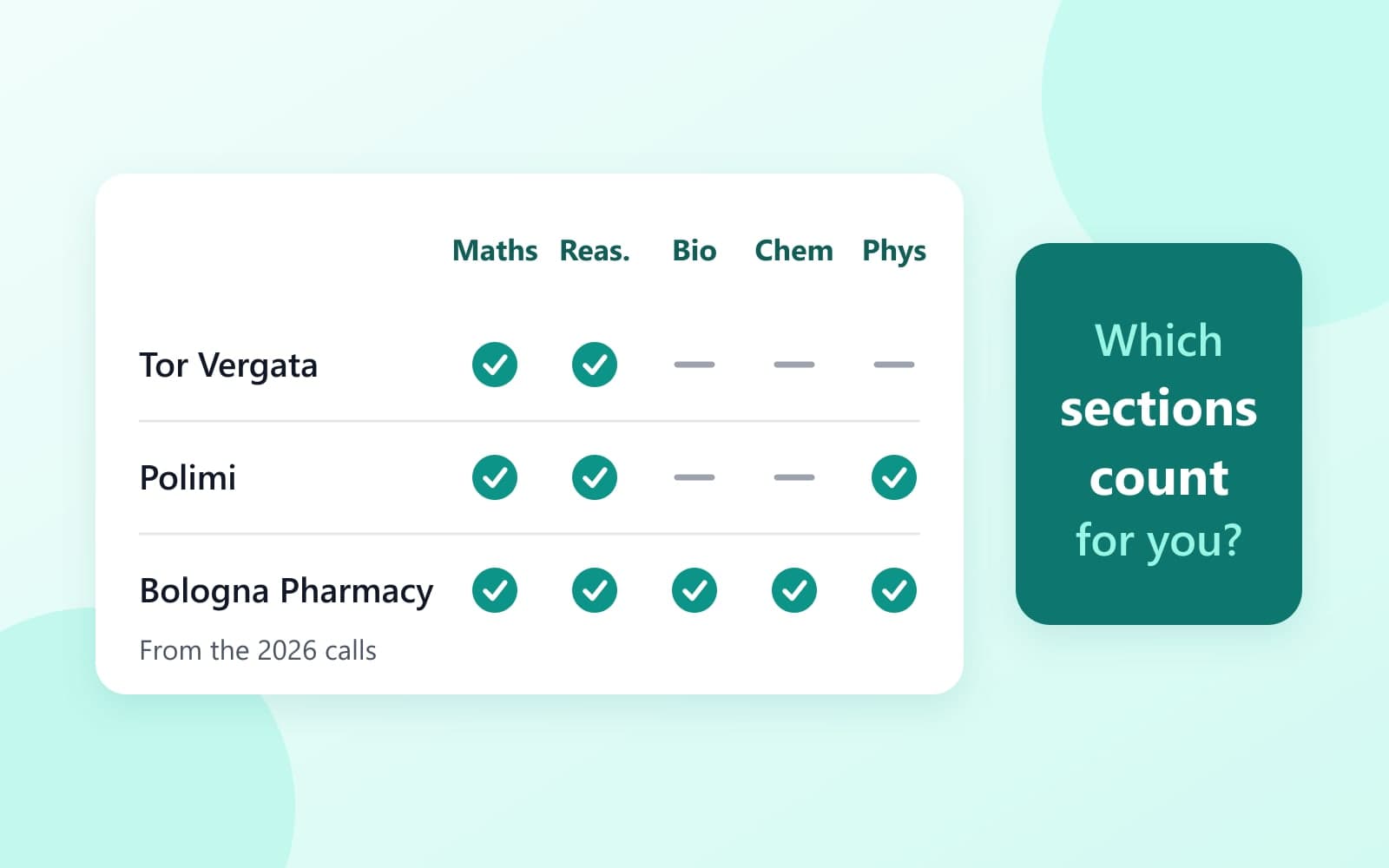
Which CEnT-S Sections Count for Your University?
Which CEnT-S sections each university counted in 2026, and the score it wanted. Reading is new for 2027/28 entry.
Get the free CEnT-S guides
We email you today:
- A printable CEnT-S checklist (PDF, by email only): score dates, fee, sections and the home-test kit
- Which sections count for your university
- Test windows for 2027/28 entry, the fee and booking
- Your score, and when to guess
The email comes from guides@mail.prepalio.com. Prepalio is the company that runs CentsPrep. Check your Spam folder too. We email you about CentsPrep only. We do not sell your email. Ask us any time to delete it. Privacy policy.